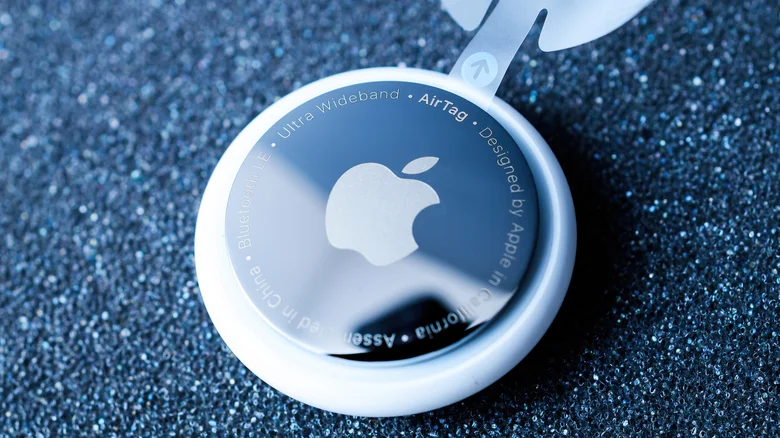
Resetting and remapping Apple AirTags is an important process, especially for those who actively use technology. In this article, we’ll walk you through step-by-step how to reset and re-pair your Apple AirTags.
An Apple AirTag is a small, coin-sized tracking device that helps you find lost items. To use AirTags, you need to pair them with your Apple ID. However, it’s important to know what to do if you want to lend or sell this device to a friend. There are two methods to reset and detach an AirTag from an iPhone: Using the Find My app and mechanically removing the battery cell.
How to Reset AirTag with Find My App
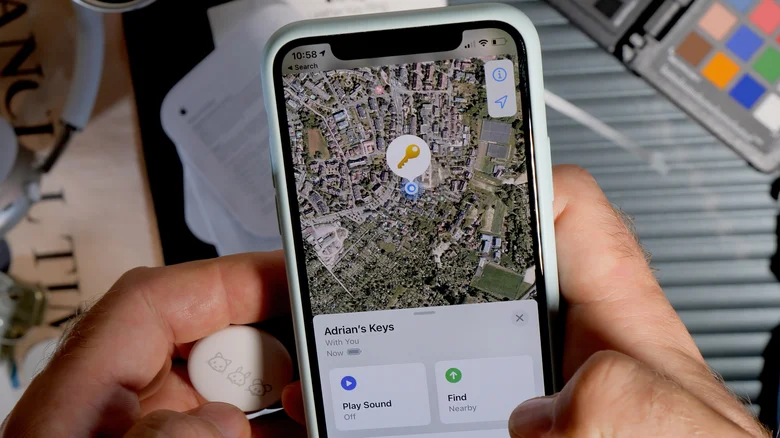
You can reset your AirTag using the Find My app on your iPhone. For this, follow the steps below:
- Open the Find My app on your iPhone.
- Select “Things” from the tabs at the bottom.
- Select the AirTag you want to reset.
- On the next screen, scroll down and select “Remove Item”.
- You will see a warning message saying “Removing this item will allow another person to activate and use it”. Click “Remove” at the bottom.
- Finally, click “Remove” again in the box at the bottom.
- This will detach AirTag from your iPhone and your Apple ID. The device is ready to be paired with another iPhone.
Reset AirTag by Removing the Battery

If you want to reset someone else’s AirTag without having access to their iPhone, follow these steps:
- Press the stainless steel cover of the AirTag and turn it counterclockwise.
- After a few turns, the cover will come off. Set it aside.
- Carefully remove the CR2032 battery.
- Put the battery back in and press until the AirTag makes a sound. The sound indicates that the battery is connected. If it does not make a sound, replace the battery with a new one.
- Repeat this process four more times until the sound stops.
- The fifth time you press on the battery you will hear a different sound, indicating that AirTag has been factory reset.
- Replace the glossy cover, align the three tabs with the three slots on the device.
- Press the cover and turn it clockwise to secure it.
- Now, you can pair AirTag with another iPhone.
Sharing AirTag without Resetting
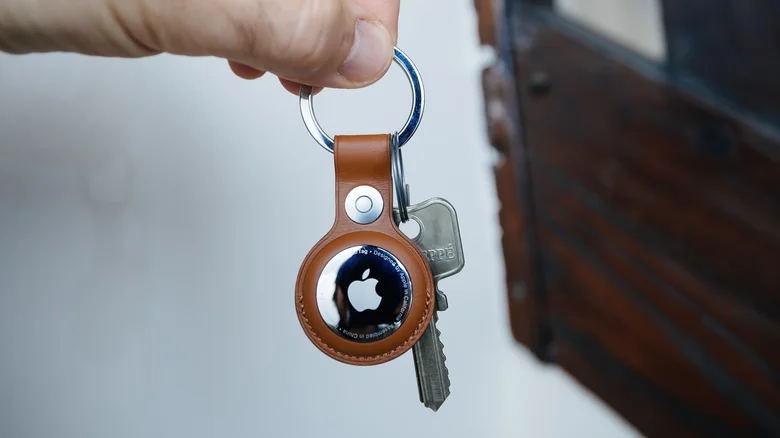
With iOS 17, you can share a third-party item that works with AirTag or Find My to a borrower without resetting it. The borrower can track the item on their phone without receiving tracking notifications. However, you need to fulfill some conditions for this:
- Enable two-factor authentication for your Apple ID.
- The borrower must have an Apple ID and be signed in to iCloud.
- Both you (the owner) and the borrower must have iCloud Keychain enabled.
To share an AirTag without resetting it:
- In the Find My app, go to the “Things” menu and select the device name.
- Under “Share this AirTag”, press “Add Contact”.
- Tap “Continue” and select the user you want to share the tracker with.
- Tap “Send” and the contact will receive a notification to add the AirTag to the Find My network.
- You can share the AirTag with up to five people, excluding users with child accounts. If you change your mind, go to “Things”, click on the name of the AirTag and under “Share this AirTag”, click on the contact’s name and select Stop Sharing.